Consistent Inspection Starts with Controlled Part Presentation
Precision screws may look simple. However, their inspection requires consistent part positioning and clear quality standards. At high production volumes, manual checks can also become difficult to standardize.
An automated vision inspection system helps solve this challenge. It combines part handling, image capture, and result classification in one workflow. More importantly, engineers can configure the inspection criteria to match product drawings, tolerances, and customer requirements.
From Feeding to Image Capture
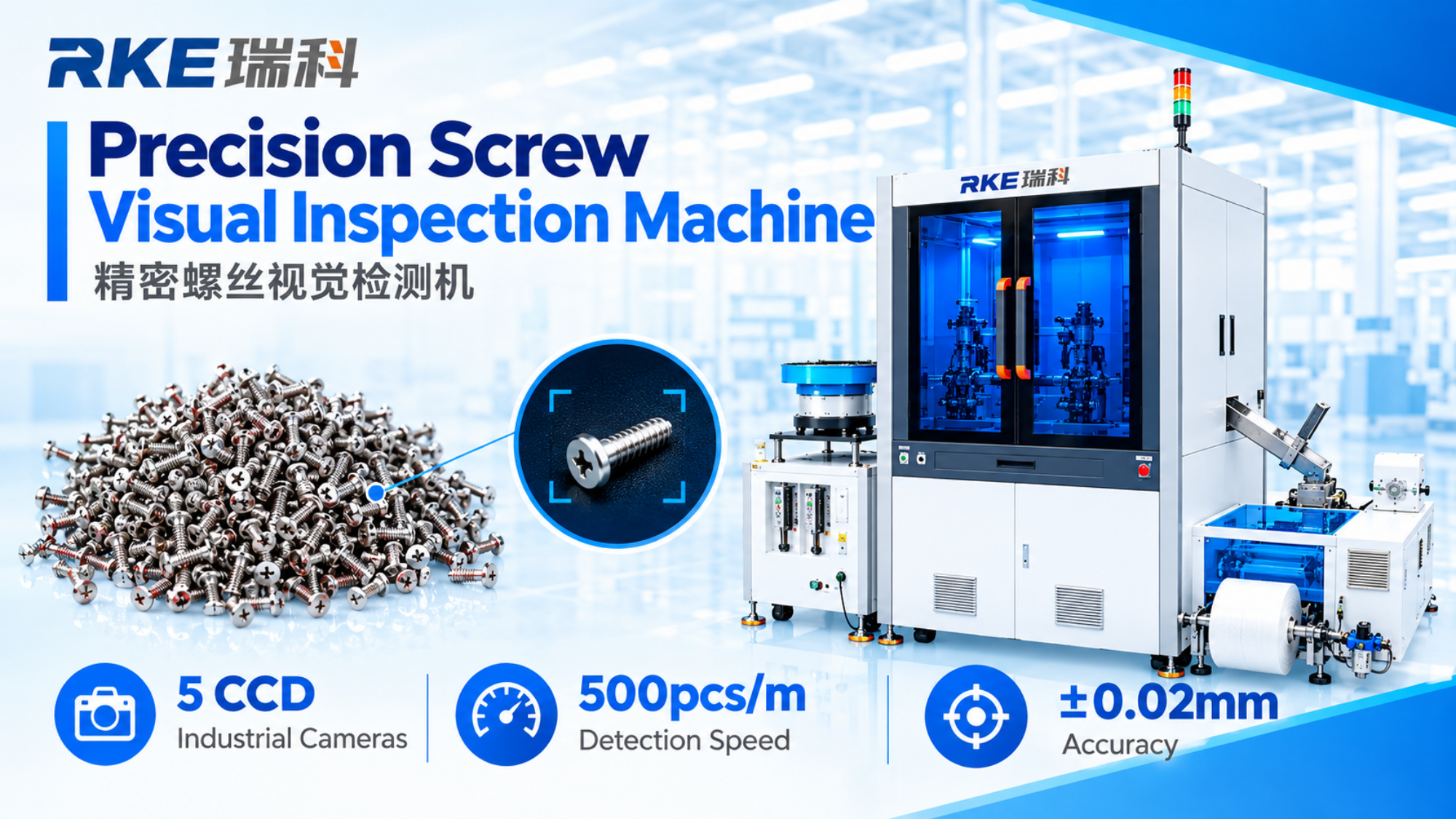
First, a vibratory bowl feeder moves the screws into the inspection process. It helps guide the parts toward the inspection station. Stable positioning also helps the cameras capture consistent images.
Five-CCD-camera configuration shown in the demonstration, with cameras arranged to capture different views of the screw.
The demonstration uses five CCD industrial cameras. However, camera quantity and placement depend on the part design and inspection requirements. Therefore, engineers should select the configuration based on the features that need to be checked.
Inspect Critical Features Against Defined Requirements
Next, the vision system captures images of the screw for inspection. Depending on the product design, the system can check selected dimensions and visible surface features.
The demonstration shows close-up inspection views, including an inner-diameter checking view where applicable. It also illustrates inspection areas related to grooves and surface appearance. However, the final inspection scope must follow the agreed technical specification.
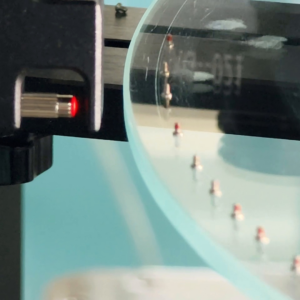
A practical inspection specification should list the critical dimensions, acceptable ranges, defect types, sample images and the decision rules used to classify a part. This makes the project easier to validate and helps avoid vague expectations such as “check everything.”
Software-Based Results and Sorting
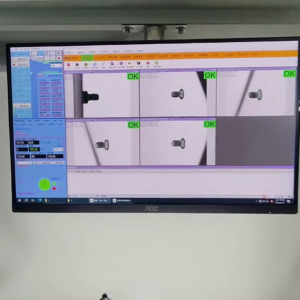
The software screen in the video displays multiple inspection views and result indicators. Based on the configured criteria, the system can classify inspected parts as OK or NG and support an automated sorting workflow. The exact rejection mechanism and data outputs should be confirmed for each machine configuration.
Speed and Accuracy: Validate Against Your Part
The demonstration video states a detection speed of 400 pieces per minute and an accuracy of ±0.02 mm. These are video-specific figures, not universal guarantees. Actual throughput and measurement performance depend on screw geometry, tolerances, defect definitions, camera and lighting configuration, feeding stability, and validation conditions.
Plan an Inspection Project Around Real Samples
For a useful feasibility assessment, prepare representative OK and NG samples, the latest drawing, critical dimensions, expected production rate and examples of defects that must be detected. A sample test can then establish whether the proposed optical setup and decision rules meet the application requirements.